Where to find your transcripts, materials, and notes — the written side of the course, behind the Curtain.
1
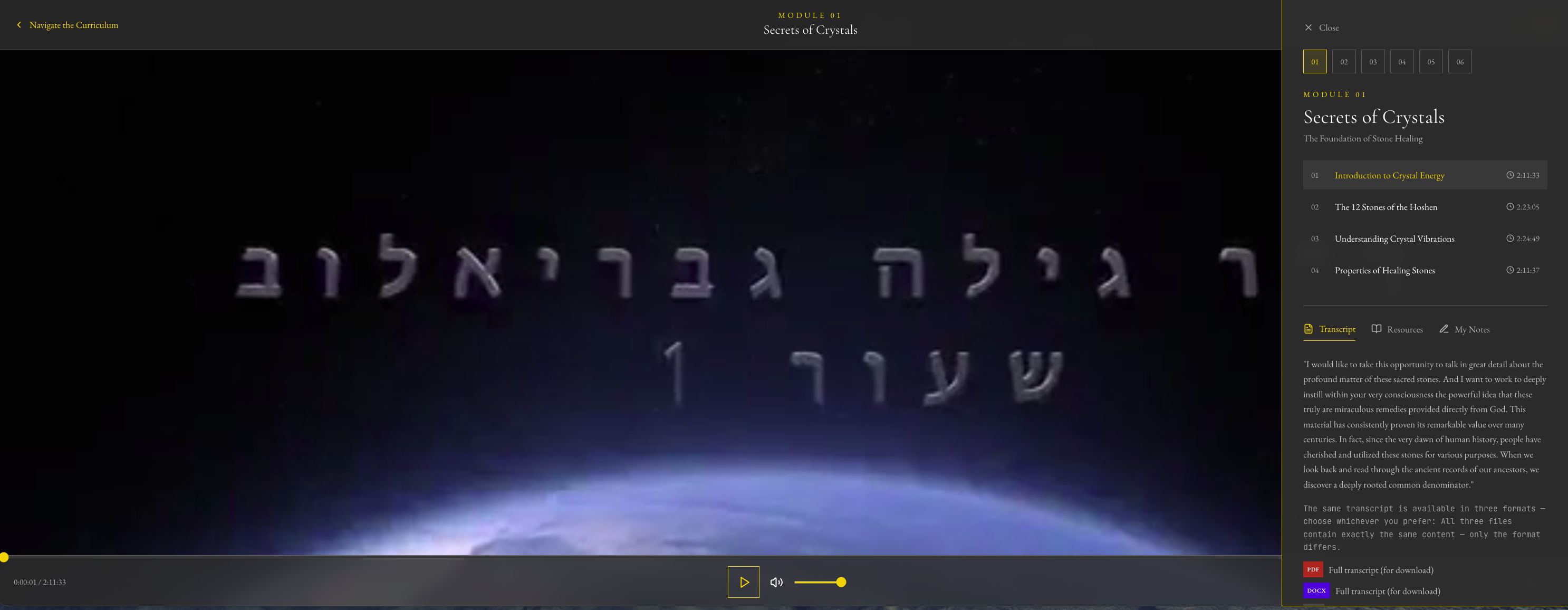
Open a lesson. From or
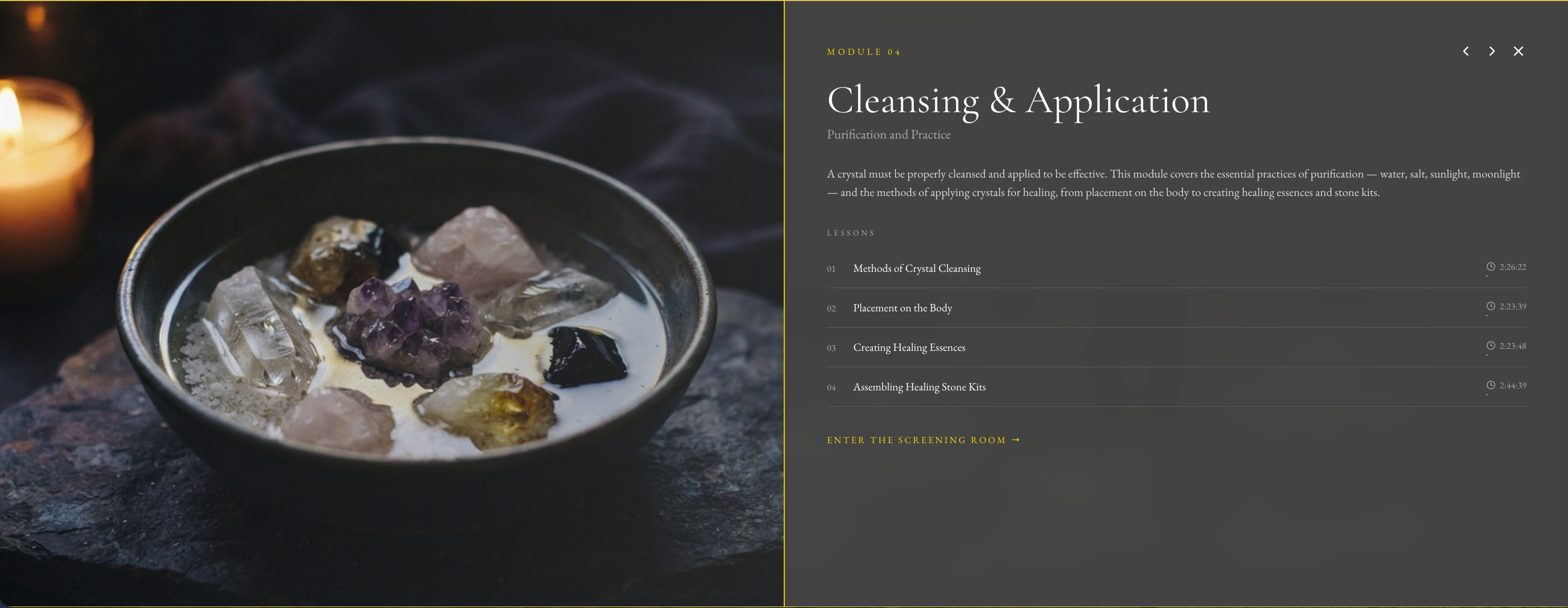
Navigate the Curriculum, by scrolling down the homepage, clicking a module, then click a lesson. The lesson starts playing automatically. Clicking the mouse anywhere on the playing video pauses the playback.
Scroll down the homepage.
click a moduleclick a lessonThe lesson starts playing
2
Click in the top right corner. A panel slides in from the left — the lesson does not stop.
3
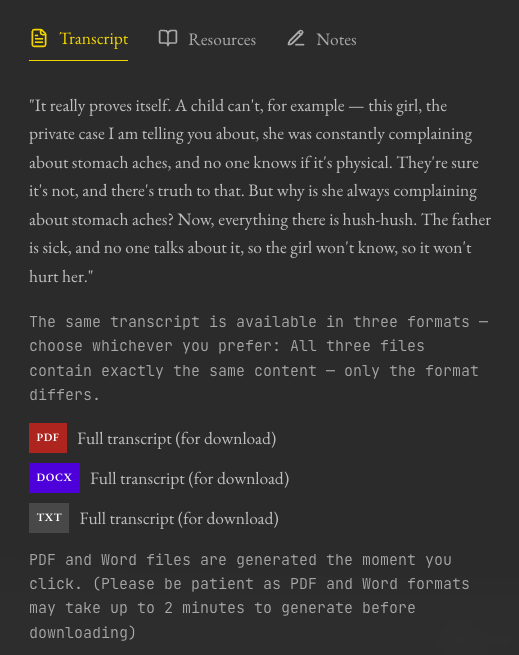
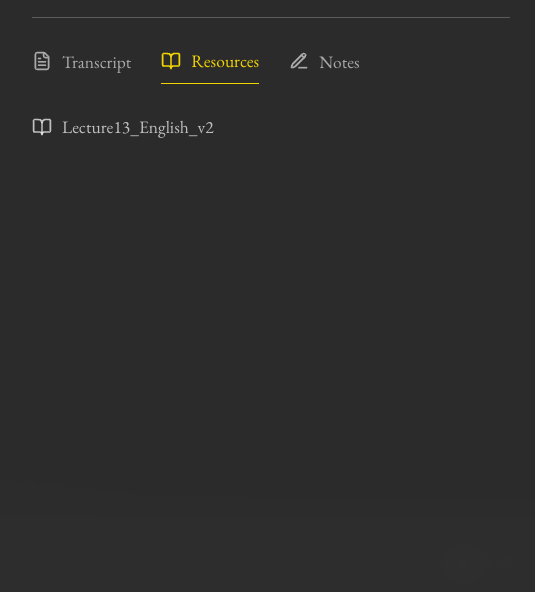
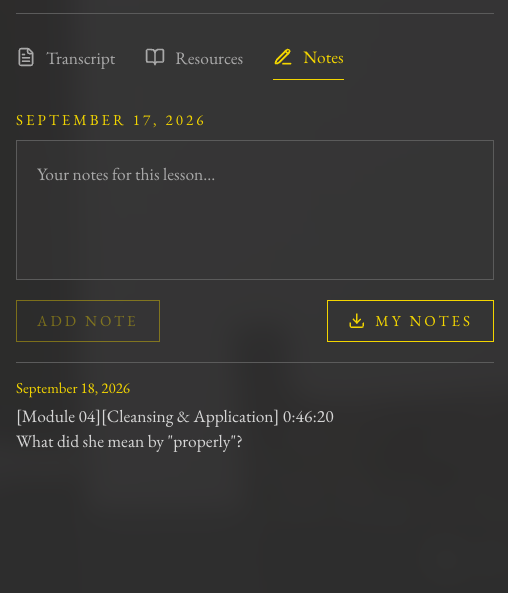
Pick a tab. Three tabs can be found around the mid-height of the panel - Transcript, Resources, and Notes. The written material most people are looking for is under Resources.
4
Download. In Transcript, tap PDF / DOCX / TXT (same content, different format). In Resources, tap the file to open or download it.
One tip: on every lesson, open the Curtain and glance at Resources — that is where the written material lives — and download the Transcript if you like to read as well as watch. You can read while the lecture plays; the panel does not stop it.
Stuck? Write to info@doctorgavrielov.co.il — include the email you enrolled with. · Diagnosis & Healing With Crystals masterclass · September 2026
 or
or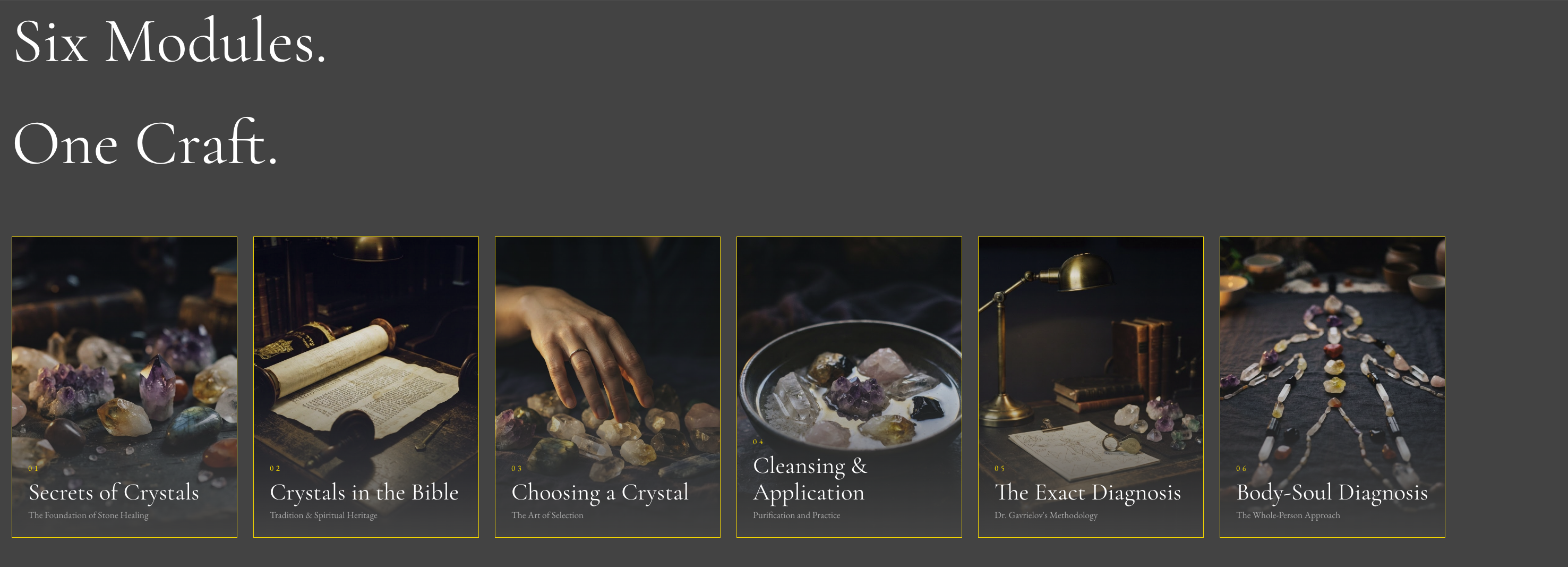
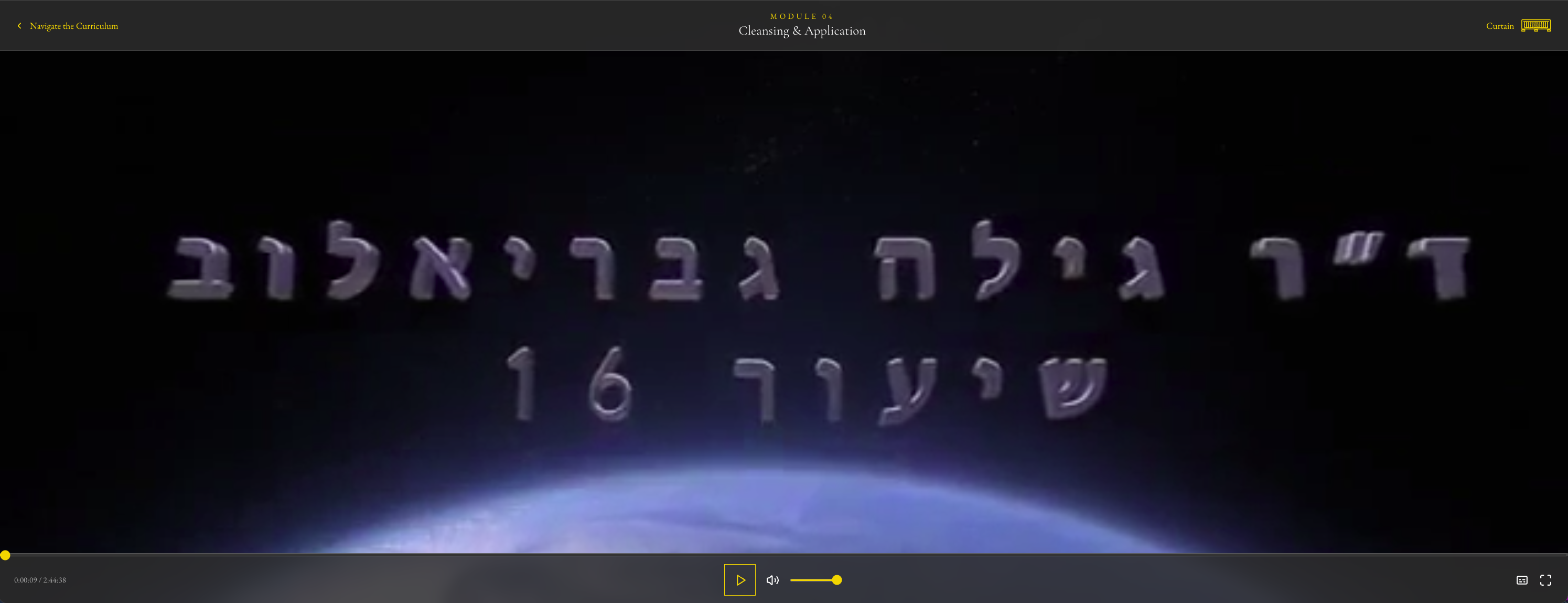
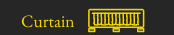 in the top right corner. A panel slides in from the left — the lesson does not stop.